Name and Date Photo Generator Online
Our Name and Date Photo Generator makes it incredibly easy—especially for those who want to make their photos look professional for applications, forms, reports, or any official work.
Name & Date on Photo Maker
Add Beautiful Text to Your Photos Online – Free & Easy
Your Photo is Ready! 🎉
💡 Pro Tips for Best Results:
- Use high-quality photos for better output
- Choose contrasting text colors for clear visibility
- Enable text outline for photos with complex backgrounds
- Use Bottom position to add text outside the photo area
- Try different font styles to match your photo’s mood
- Use shadow effect for a professional look
How to Use the Name & Date Photo Generator
- 1. Enter Your Details
First, type your name and choose the date you want to display on the photo—just as simple as filling out a form!
- 2. Upload Your Photo
Now upload the photo on which you want to add the name and date. It is suitable for job applications, reports, or any official use.
- 3. Click “Generate Image”
After filling in all the details, just one click—and your photo with name and date is ready instantly!
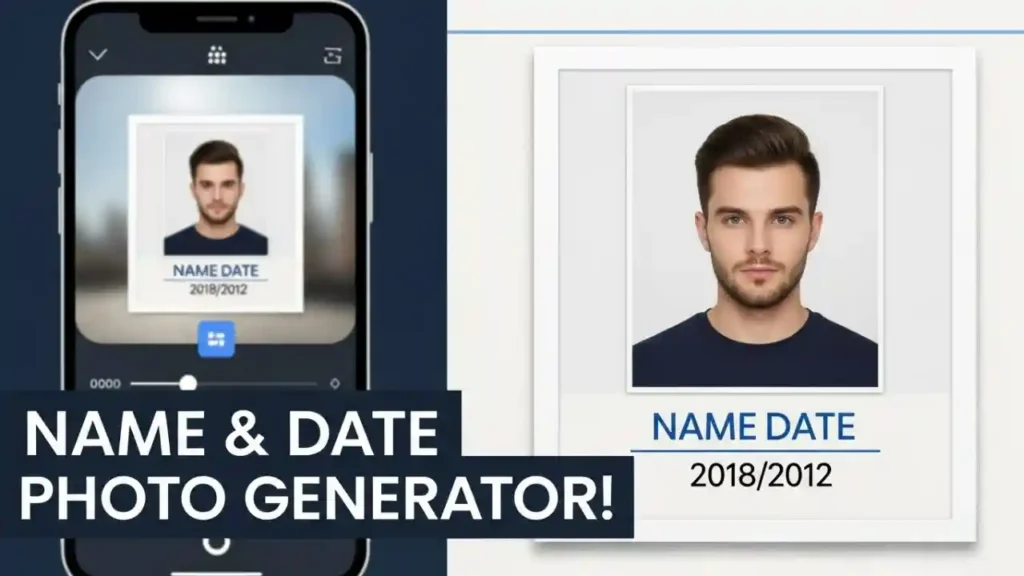
Why Use the Name and Date Photo Generator?
- 100% Privacy-Friendly – Your photos and information remain safe.
- Completely Free – No charges or ads.
- Super Quick – Your photo is ready within seconds.
- For Everyone – Even if you’re not a technical expert, you can use it easily.
- Perfect for Official Use – Ideal for applications, documentation, and reports.
How to Add Name and Date on Photo: Easy & Free Online Tool
Nowadays, adding a name and date to a photo is required for many official tasks—such as job applications, school/college reports, or any formal document.
In this article, learn how to use the Name and Date on Photo Maker and how easily this can be done online.
What is the Name & Date on Photo Maker?
It is a simple online tool that helps you add your name and date to any photo—without any editing skills. It is specially designed for people who need official photos.
How to Write Name and Date on Photo in Mobile?
It is just as easy on mobile. Simply:
Upload the photo
Enter your name and date
Click “Generate”
Your edited photo will be ready in seconds!
How to Add Name and Date on Photograph?
Follow these three simple steps to add name and date to a photo:
Enter the name and date
Upload your photo
Click on Generate Image
That’s it! Your photo is completely ready.
How to Add Name and Date in Photo Online?
You can easily do this online from any device—mobile or computer. Our Name Date Photo Maker tool makes this process extremely simple.
Why Add Name and Date on a Photo?
Sometimes, we need to make a photo look more formal or official, especially for:
Job applications
School/college submissions
Reports
Identity verification (ID proof)
Adding name and date makes the photo look more professional.
Conclusion
By using the Name and Date on Photo Maker Online, you can easily make your photo formal and professional. Whether on mobile or computer, this tool works perfectly everywhere.
Next time you need to add a name and date to any photo, use this tool and get a perfect image in just a few seconds
➤ Related
- Shipping Box Size Calculator
- DND Name Generator
- Sphere Packing Calculator
- Bin Packing Calculator
- Packing List Generator
- Online Free Packing Slip Generator
- Deepus UPI QR Code Generator
- Shopify Pin Generator